This article applies to:
Question:
- How do i install a license in a new installed appliance or replace an existing one
Reply:
In order to install the license you will need to access the GUI at https://YourapplianceIPAddress
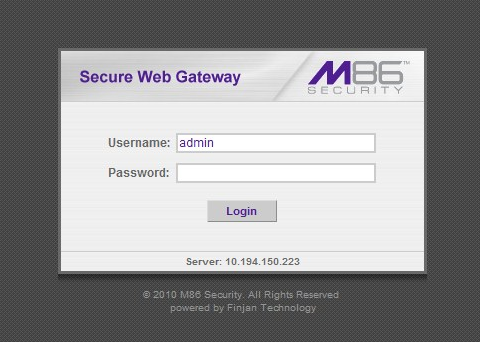
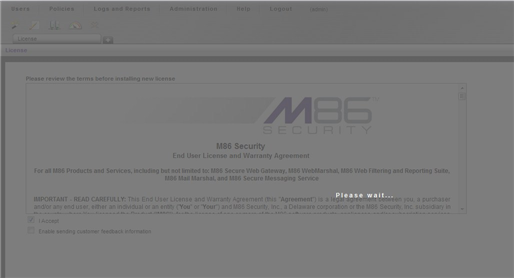
If this is a new installed appliance you will be prompted to change your password (default 'finjan') and receive this screen
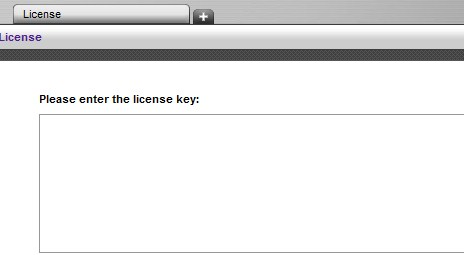
Please enter the license:
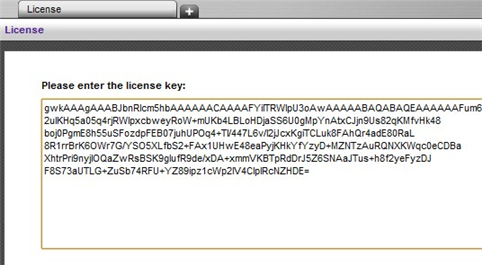
Click on Continue
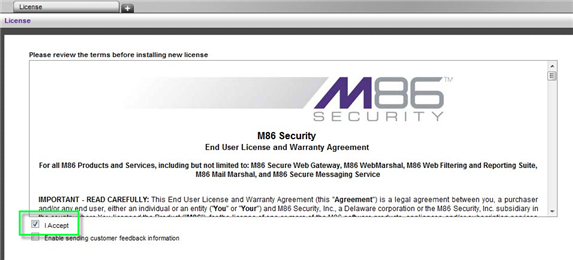
Tick "I accept" and click OK to accept the EULA
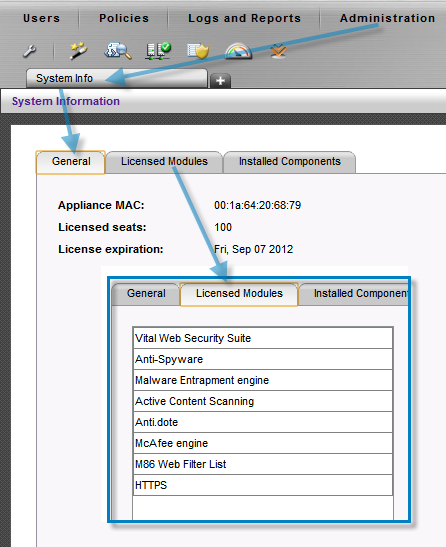
In order to check which components are licensed on the specific appliance click on Administration -->System Info
Notes:
Please note that replacing a license with different licensed components then the previous license installed on the appliance may cause downtime as the new components are reconfigured on the Policy server and also on the scanners and the latest updates are being installed.
Customer defined Security Policies will not be changed!
