This article applies to:
- SWG 9.x (different GUI look)
- SWG 10.x
Question:
- How do I install a license in a newly installed appliance or replace an existing one?
Reply:
In order to install the license you will need to access the GUI at https://YourapplianceIPAddress
Important: Use the 'admin' login, not any other account.
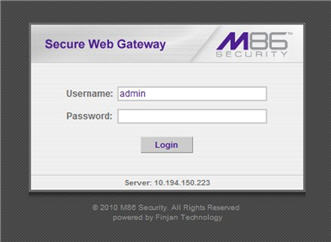
If this is a newly installed appliance, the License screen below will appear automatically after setting the password. Otherwise, navigate to Administration -> System Settings -> License.
Please input the license:
Click on Continue, tick "I accept" and click OK to accept the EULA.
After clicking OK, the system will process its license. This usually takes a few minutes. The "Please wait..." banner will be displayed.
In order to check which components are licensed on the specific appliance click on Administration -> System Info -> Licensed Modules.
Notes:
Please note that replacing a license with different licensed components than the previous license installed on the appliance may cause downtime as the new components are reconfigured on the Policy server and also on the scanners and the latest updates are being installed.
If you have any problems with your activation key please contact
keyrequests@m86security.com.
Access to many support items on the Trustwave website requires you to log in. These items include product upgrades and the Customer Forum.
To register or log in, go to https://support.levelblue.com/
Once you register, your login will be granted access by association with your customer account. In many cases association of logins to accounts is automatic and instant. Some requests require processing by Trustwave staff.
